Help
Summary
- General questions
- Downloading reports
- Payments
- Updating or removing information from the website
- Cayman Islands
- British Virgin Islands (BVI)
- Panama
- Spain
- Netherlands
What is Dato Capital?
Dato Capital is a database of private and public companies and directors. The database is updated in real time with information from company registers around the world and from several other information sources, in order to enhance and link data across different countries. Searches can be performed online, and complete reports for each company or director can be downloaded from this website. When a report is requested, the information is updated to deliver the most current data. View more information about Dato Capital.
What is Dato Capital for?
Dato Capital is a system designed to save you time and money and reduce risk in your investigations relating to fraud prevention, Anti-Money Laundering (AML), Know Your Customer (KYC) and Due Diligence. With a few clicks, it is possible to access information that is otherwise difficult to obtain.
Where does the information come from?
The information comes from public records. These public records are extracted from company registers and other official publications. Phone numbers are supplied by phone service providers.
Who owns Dato Capital?
The Dato Capital websites and brand are operated by DATO CAPITAL LTD, a private company incorporated in England and Wales (UK Companies House number 09987396), which is a wholly-owned subsidiary of NETAMO SYSTEMS SL, a private company incorporated in Spain.
What does Dato Capital mean?
It means "Capital Data" or "Important Data" in Spanish. DATO CAPITAL is a registered trademark in Spain under number M3572595 and in the European Union under number 019048137.
Are the company or director notified when I request a report?
Absolutely not. We do not contact any of the companies or directors shown on our website. Our customer privacy is very important to us.
I want to contact a company or director on the website
In general we do not have contact details for individual directors, as this information is not public. For companies, we display contact information on the company profile where it is available; if it is not shown, it means there is no public contact information for that company. Another way to contact companies without published contact details is to download the full report or profile and then contact the Registered Agent of the company. Registered Agent information is available in every jurisdiction where this role exists.
How to download a Company Report
1 — Search for the company
From the Dato Capital homepage, type the words of the company name in the main search input field. There is no need to type the company type. You can also type the Company number or VAT Number for the company.
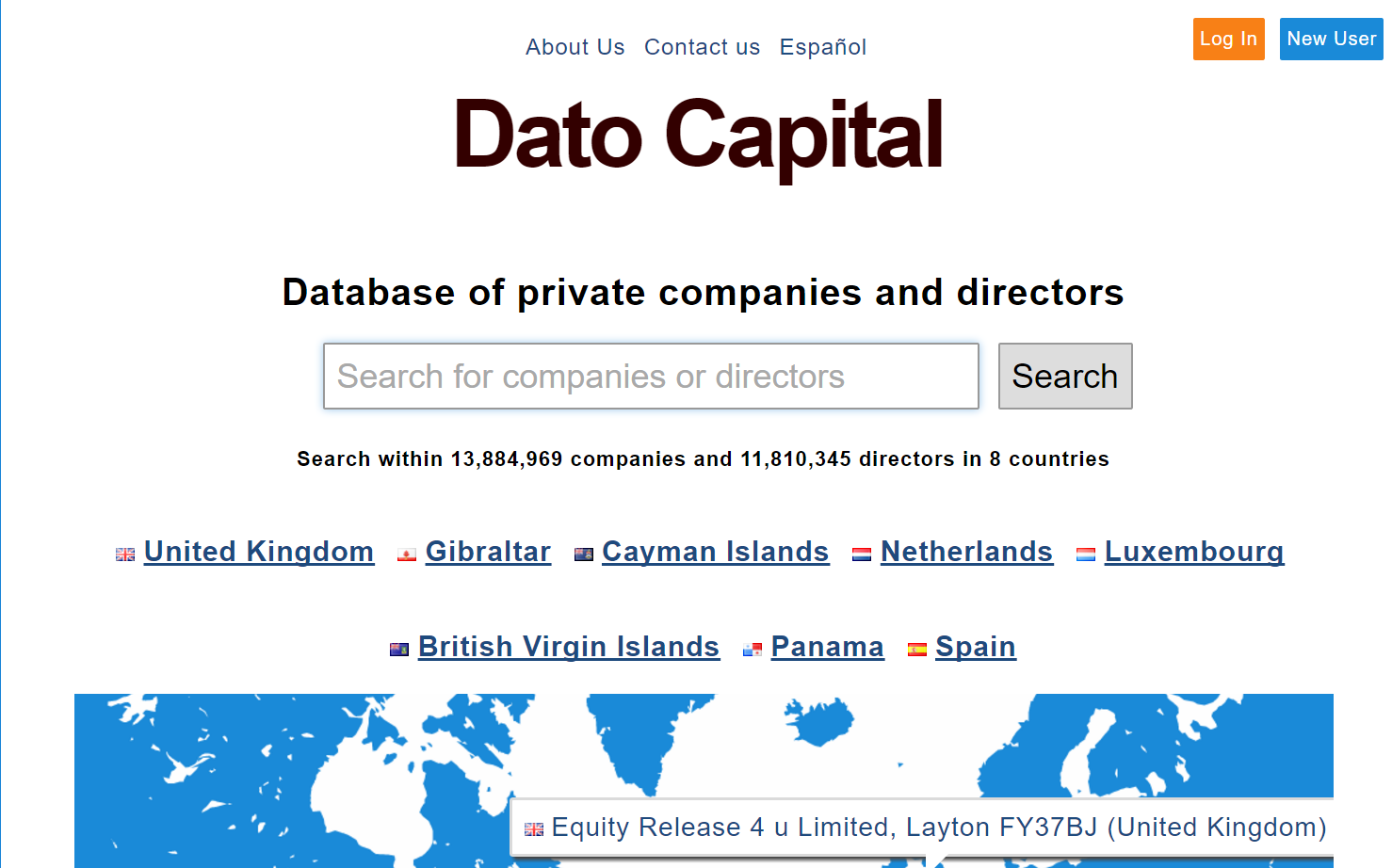
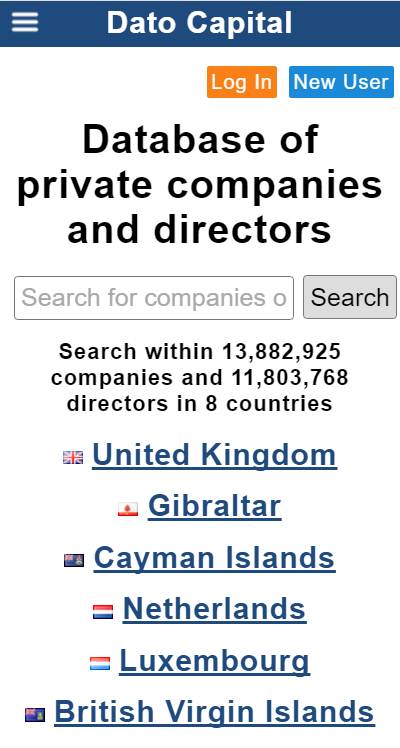
Press "Enter" or click "Search" to go to the results page. On the results page, click the name of the desired company. If there are too many results, you can filter by country using the dropdown country list. If there are no results, try using fewer words from the company name, or contact us and we will help you find the company.
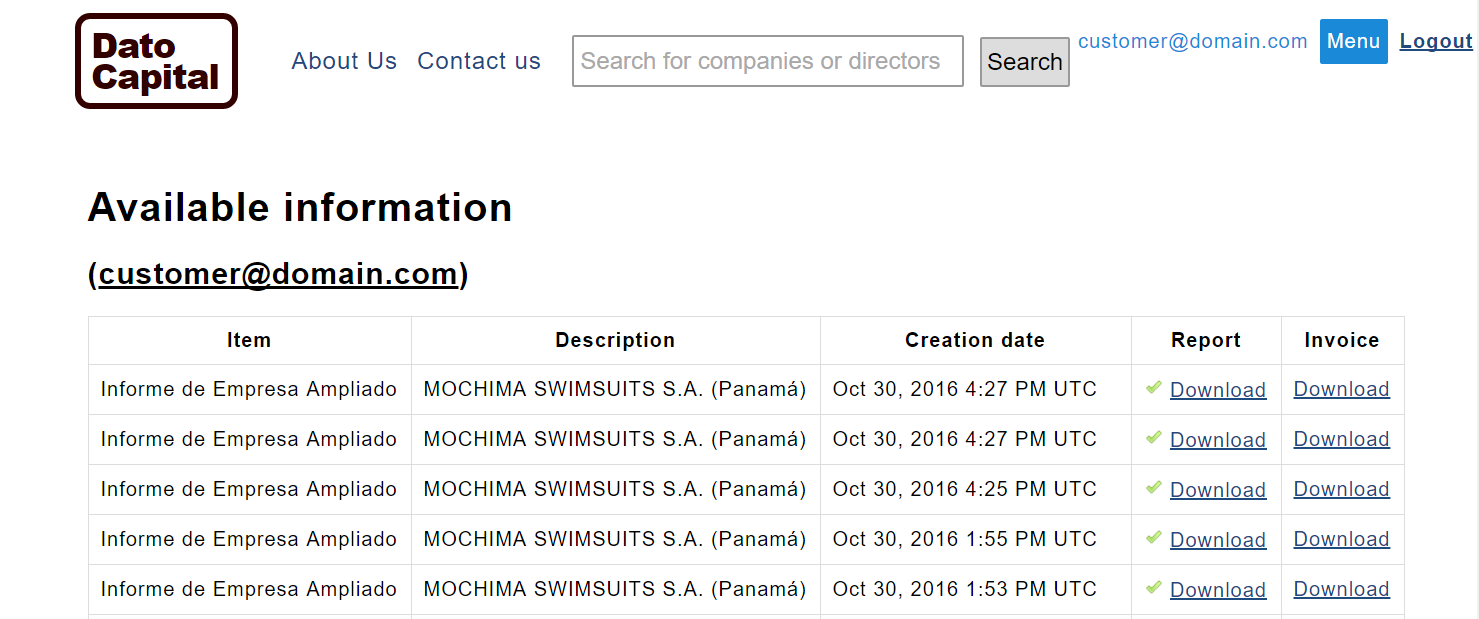
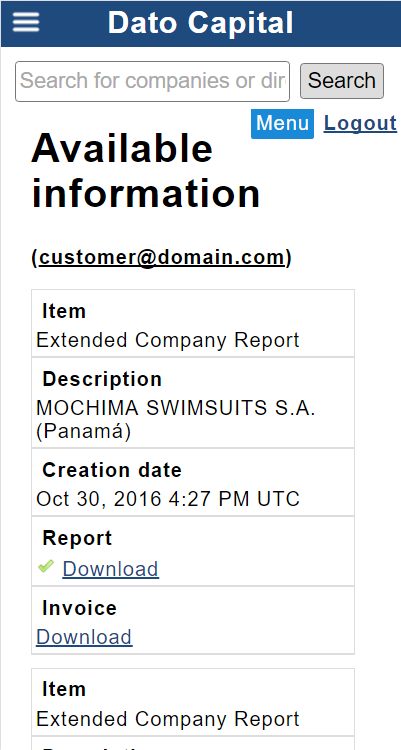
Once you have clicked the company name, you will arrive at the company profile. On this page, public and free data about the company are shown, along with a list of available reports for the company. Each company can have different available report types. Some companies do not have available reports; in that case, contact us in order to obtain more information. In some jurisdictions there are Company Profiles instead of Company Reports. Company Profiles contain less information than Company Reports. Click on the "Reports" section to see a list of available reports.
2 — Select a Company Report type
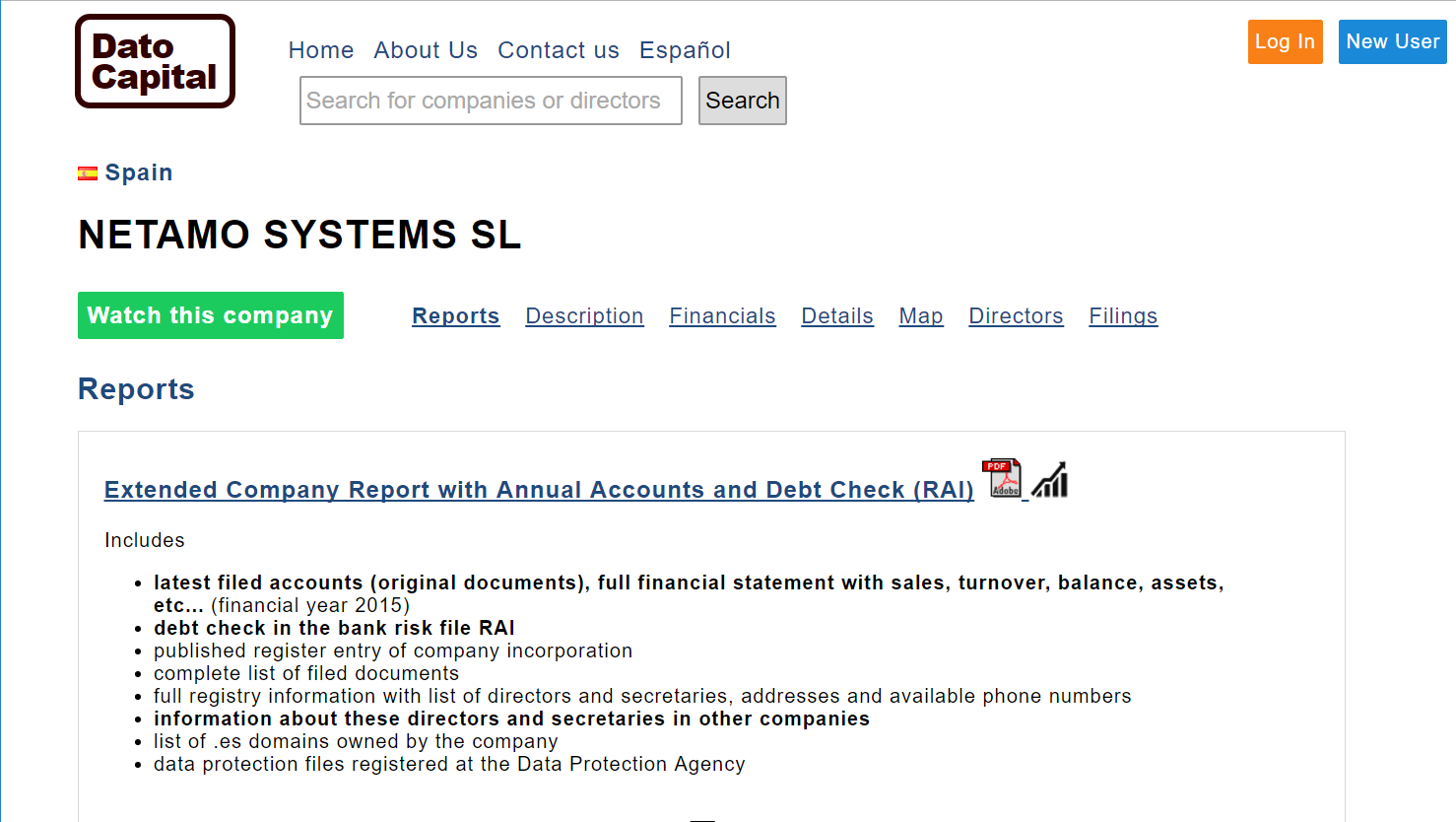
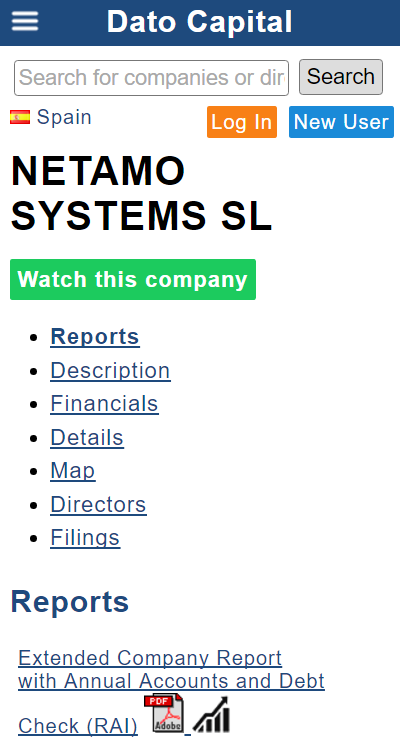
Choose the desired Company Report type and click on its name or the PDF icon.
The next page is the payment page, where the Company Report contents are displayed along with the price and estimated delivery time.
How to download a Director Report
1 — Find the person of interest
From the start page of Dato Capital, click on the country where the director has his or her main business activity. If the person has activity in many countries, you can search directly from the homepage and filter the results later. At the director profile, you will have the choice of a report for one country, or an international report covering all the countries.
When you access the country page, type the first and last name of the person in the search box. If there are variations on the first and/or middle name, type just the last name.
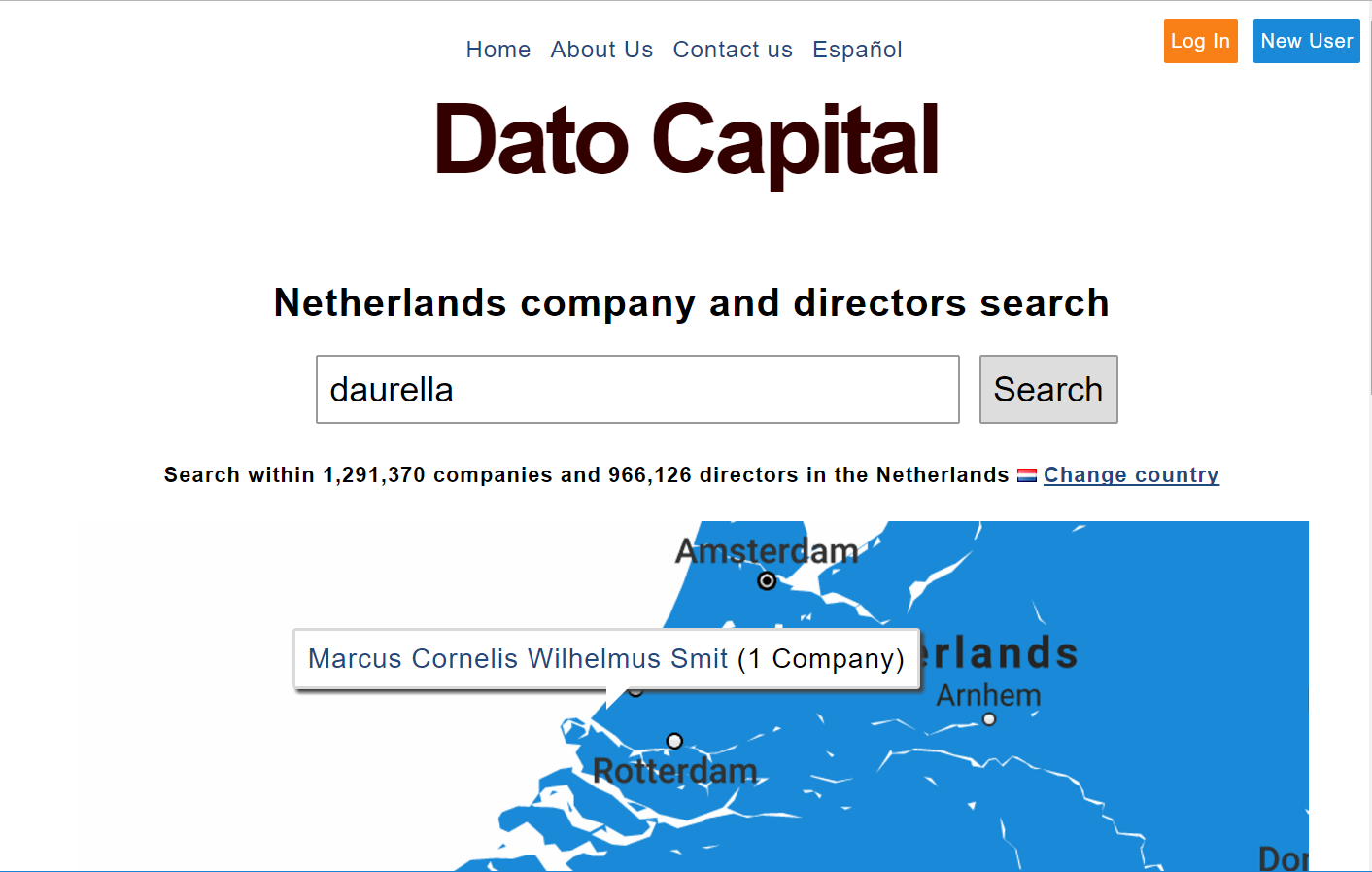
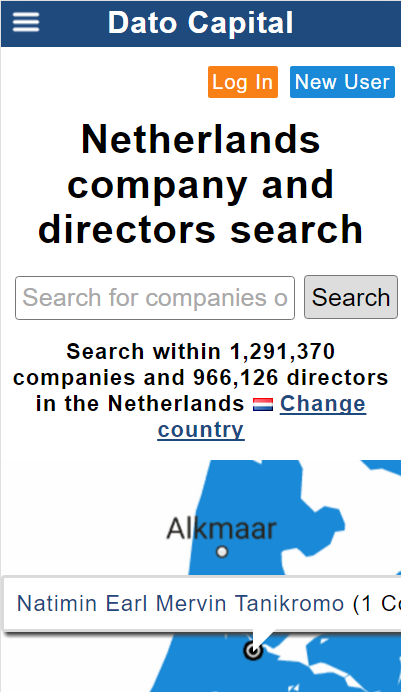
Press Enter or click the "Search" button to go to the results page. In the list of results, click the name of the desired person. If there are many results in different countries, use the country dropdown list to filter the results. If you have not found the person you are looking for, or if there are no results, try typing only the first last name, or the first birth name if it is a composite one. You can contact us and we will help you find the person.
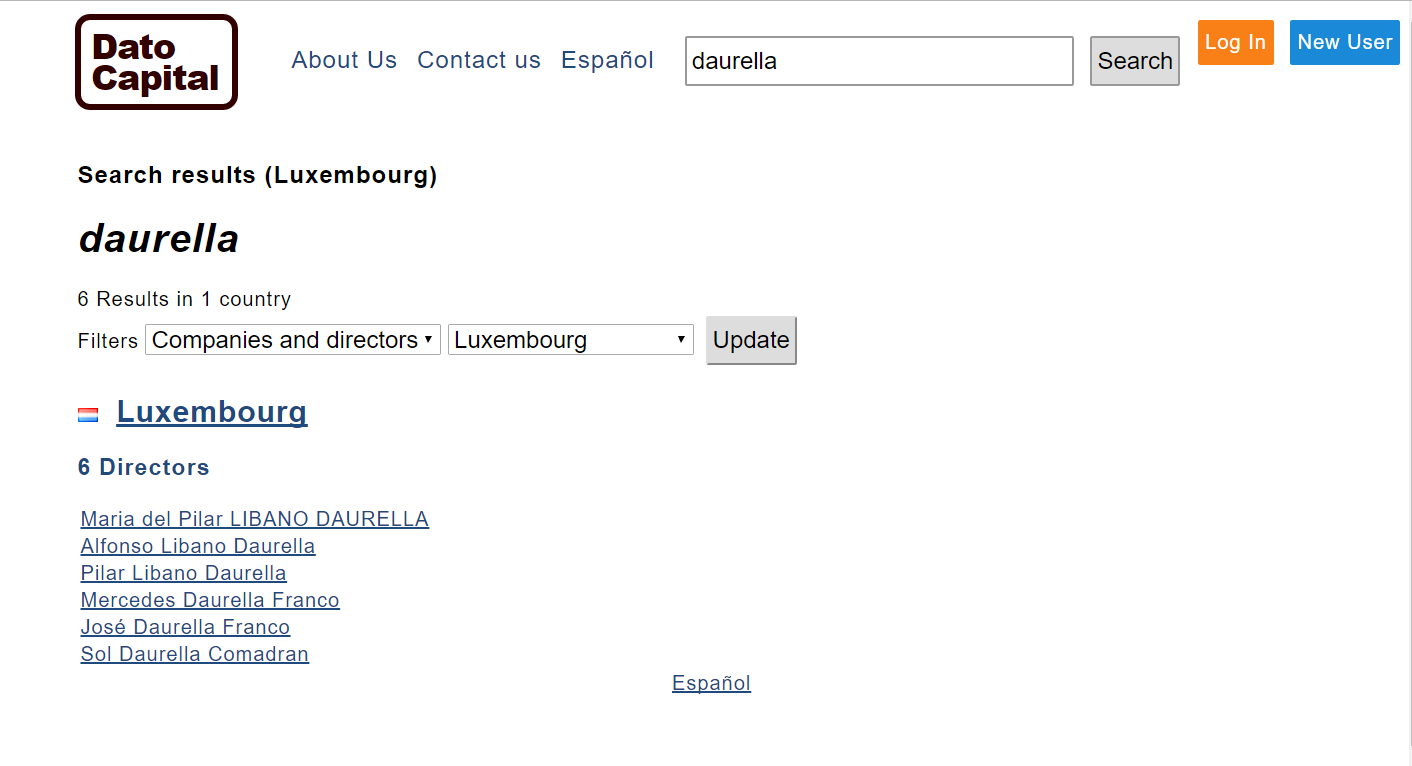
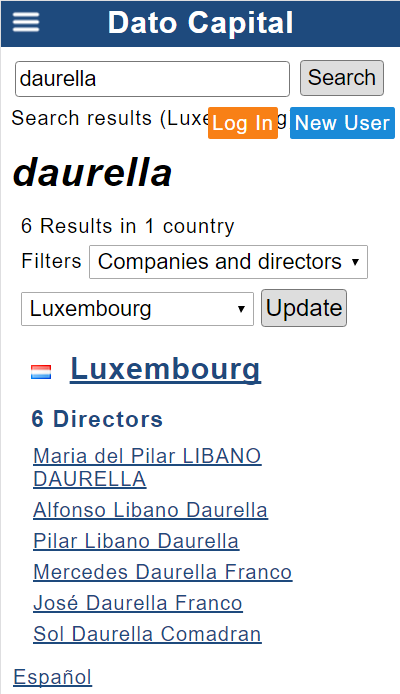
When you click on the name of the director, you will enter his or her profile. On the profile page, basic data are shown, with a summary of the business activity. There are different reports available in order to access details of the appointments of this person in one or more companies. Click on the "Reports" section to see a list of available reports.
2 — Choose a Director Report type
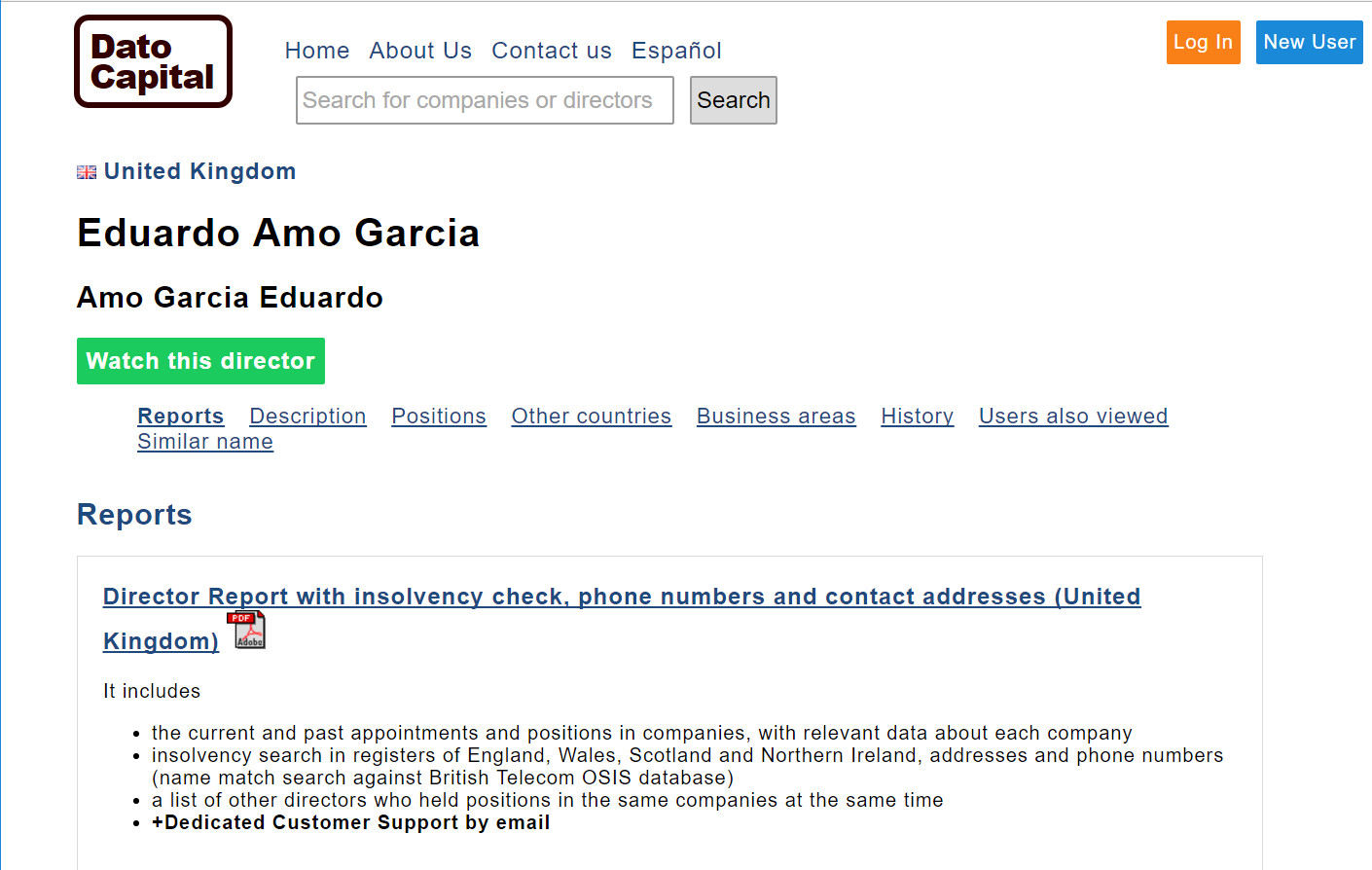
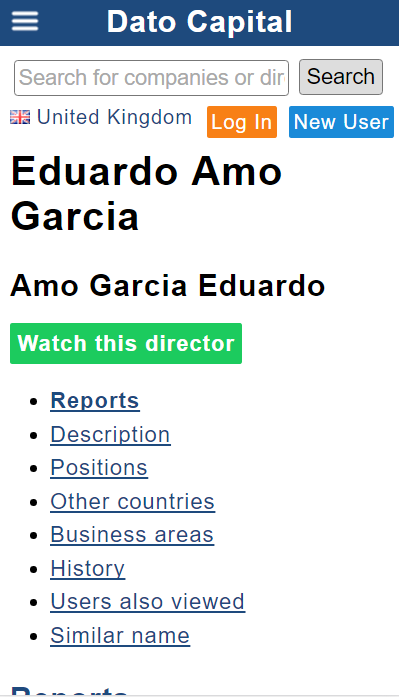
Click on the report name of your choice, or on the PDF icon.
In the next step, you will access the payment page, where a summary of the content of the Director Report is shown along with its price and estimated delivery time.
Are the company documents translated?
The reports are delivered in the language of the website, and company documents are translated if they are in electronic format. Original scanned documents are not translated unless specifically stated. Translations of original documents have to be done manually and we do not offer this service. In the case of financial statements, we can help with the translation of the figures with special guidelines. Please contact us for details.
How long does it take to download a report?
Delivery time is stated on the checkout page. Most reports are delivered in less than 10 minutes. In some cases it can take up to one hour, and there are special reports and profiles that are delivered within 48 business hours.
I only have a purchase code. How can I download the report?
Please enter the following URL in your browser: https://en.datocapital.com/Results/ABCDEF — where ABCDEF is your purchase code.
How to pay
The payment page shows a summary of the report contents, delivery time and price
To complete the purchase you only need to enter payment details and an email address.
You can also request an invoice by clicking the "Generate invoice" checkbox. Regardless of the invoice, a receipt is always sent by email.
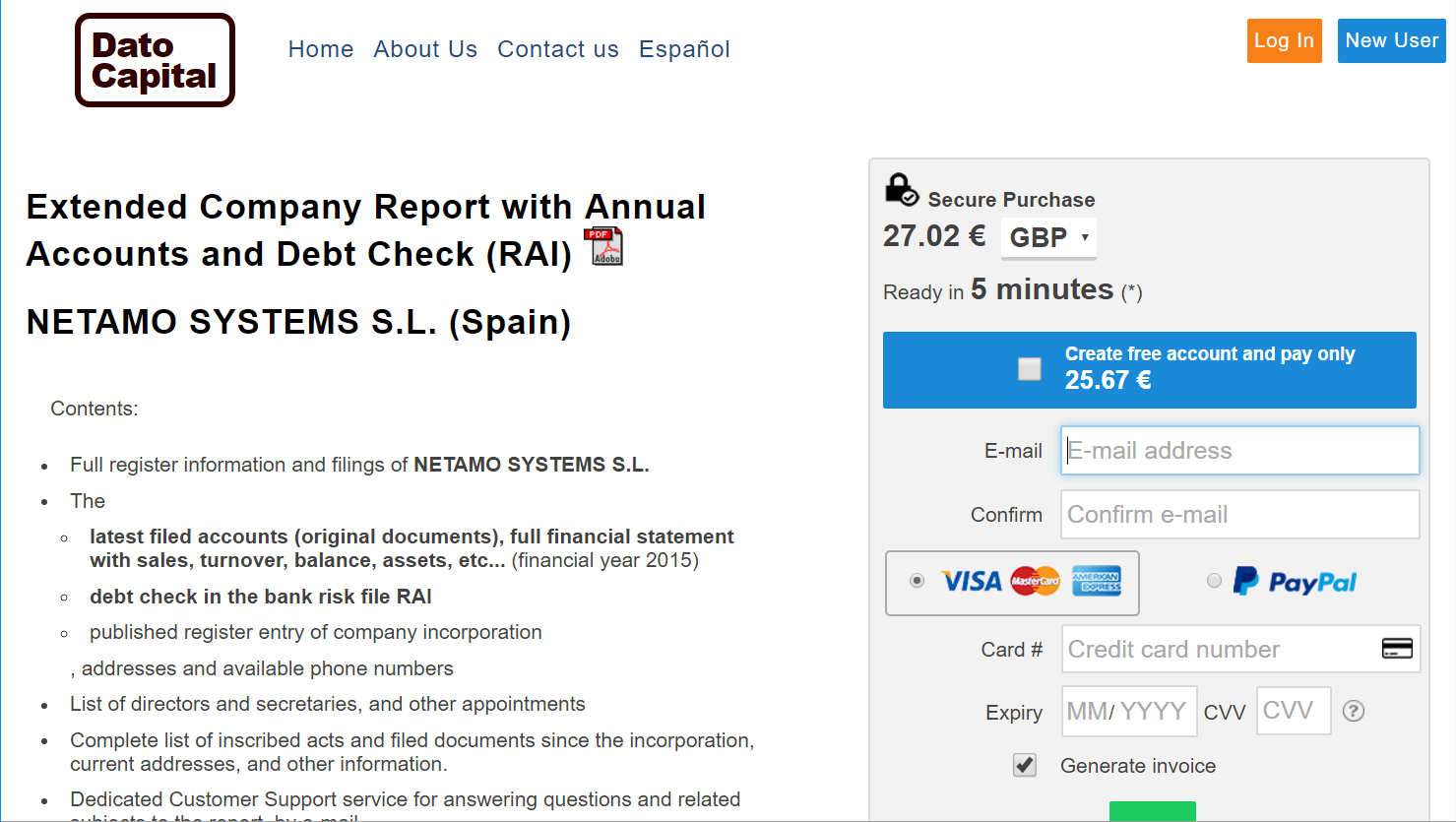
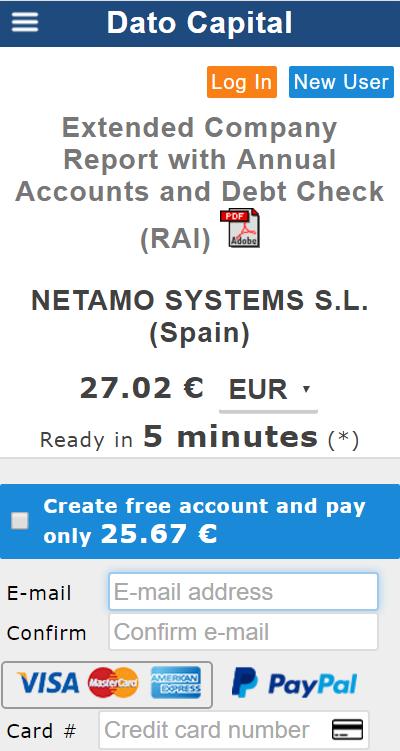
Payment methods
Credit card (default)
Secure credit-card payments are processed through Banco Santander S.A. and Stripe, Inc., two highly reputable payment processors. We do not store your credit-card details; these are encrypted and sent to the payment processor, which also has strong security mechanisms to store credit-card data. For more information on Stripe security, you can visit the credit-card security page on the Stripe website.
If you encounter any issues with your credit-card payment, you can use PayPal as an alternative payment method. PayPal also allows secure payment with your credit card, even if you do not have a PayPal account.
PayPal
PayPal payment is completely secure and fast. Whether you have a PayPal account or not, you can use many kinds of credit cards.
Report download
Once the payment method is selected, enter your email and confirm it. This step is very important, because email is the only way we have to contact you in case of any problem. You can choose to create an account at this step in order to obtain a discounted price, or the report for free as part of a subscription plan.
If you need an invoice, tick the "Generate Invoice" checkbox. If you do not tick the field, a purchase receipt will be sent anyway.
Finally, on the results screen, the requested report will appear with a progress bar showing the completion of the report. Depending on technical factors and the server load, delivery time can vary slightly. The progress bar may pause at any percentage; this does not mean the progress has stopped, only that the system is processing large amounts of data.
When the payment is completed, the purchase receipt / invoice will be sent to your email address. If this email does not arrive after a few minutes, please check your Junk and Spam mail folders.
After the report is finished, an automatic download will start and a link will appear for downloading the file. The report will be sent to your email address as well. As with the invoice / receipt, if you cannot find the email in your Inbox, please check your Junk or Spam mail folders.
You can contact us at any time.
I have a problem with a payment
When a payment is completed, a receipt is sent immediately to your email address. If you think you have completed a payment but you have not received the receipt, it is likely that the payment was not completed.
Our transactions are always labelled as "DATO CAPITAL" on bank statements. If you have doubts about a transaction on your bank statement, please make sure it shows "DATO CAPITAL" in the reference before contacting us.
We try to be accurate with report delivery time, but it sometimes takes longer than expected. Some large reports (more than 10 MB) can take up to one hour to be delivered in extreme cases.
If you have any problems with a payment, please write to us at info@datocapital.com and attach the receipt or your bank / PayPal statement so we can find your transaction.
I want to remove my name, personal data or company from Dato Capital
Removal and rights requests are handled by NETAMO SYSTEMS SL, the data controller for the personal data published on the Dato Capital websites. The procedure, the rights available, the legal basis of the processing and the response time are described in the Privacy Policy and on the Opt-out page.
Requests should be sent to privacy@netamo.com.
If you do not want your name to appear in search-engine results pointing to public-register data, please address that request directly to the search engines (Google, Bing and others), which act as separate data controllers in respect of their indexing activities.
Some data is wrong
If you find outdated or incorrect data, please contact privacy@netamo.com attaching the official updated documentation. We will review and rectify the data where the documentation supports the requested change. The procedure is described in the Privacy Policy and on the Opt-out page.
What does a Cayman Islands Company Profile include? Does it list directors and/or shareholders?
A Cayman Islands Company Profile checks the existence of the company and lists its current status, company number, type of company, registered address and office, and date and place of incorporation. The basic Company Profile does not list directors or shareholders. A separate option is available — the "Company Profile and names of company directors" report — which additionally includes the names of the current directors of the company. Shareholder information is not available for Cayman Islands companies through this service. The Company Profile is mainly used for checking that a company actually exists and is active before doing business with it. Further information beyond what is offered here can be obtained only via court order, the company itself or its registered agent.
What does a British Virgin Islands Company Profile include? Does it list directors and/or shareholders?
A British Virgin Islands Company Profile checks for the existence of the company and lists its current status, list of filed documents, company number, type of company, registered address and office, share information, previous names, date and place of incorporation and registered agent contact details. Director and shareholder information is not included in the basic Company Profile. A separate option is available — the "List of company director names" report and the "Full Search Report with Director Names" — which additionally includes the names of the current directors of the company. Shareholder information remains difficult to obtain for BVI companies in general, except in special cases. Filed documents can also be requested separately to obtain additional information about the company.
Do Panama company reports contain financial statements or beneficial owners?
Few Panama companies file financial statements, so they are not generally included; only in very special cases. Information about beneficial owners of Panama companies is available only if it is included in the official company deeds.
Do Spain company reports contain shareholder information?
Shareholder information for Spanish companies is not generally available, except for sole-shareholder companies and special cases involving subsidiaries or large companies.
Do Netherlands company reports contain shareholder information?
Shareholder information for Netherlands companies is only available when there is a single shareholder (100% ownership).
Search companies and directors from
Worldwide UK Gibraltar Luxembourg Spain Netherlands Curaçao Panama Malta Cayman Islands British Virgin Islands VenezuelaBermudaMexicoCosta Rica
